microsite
Interaction
2024
Dutch Design Awards
Digital microsite to celebrate outstanding achievements in Dutch design, recognizing innovative and impactful projects across various disciplines.
Timeline
Aug 2024
TEAM
4 designers
ROLE
UX Research, UX Design
FOCUS
Interaction Design
Overview
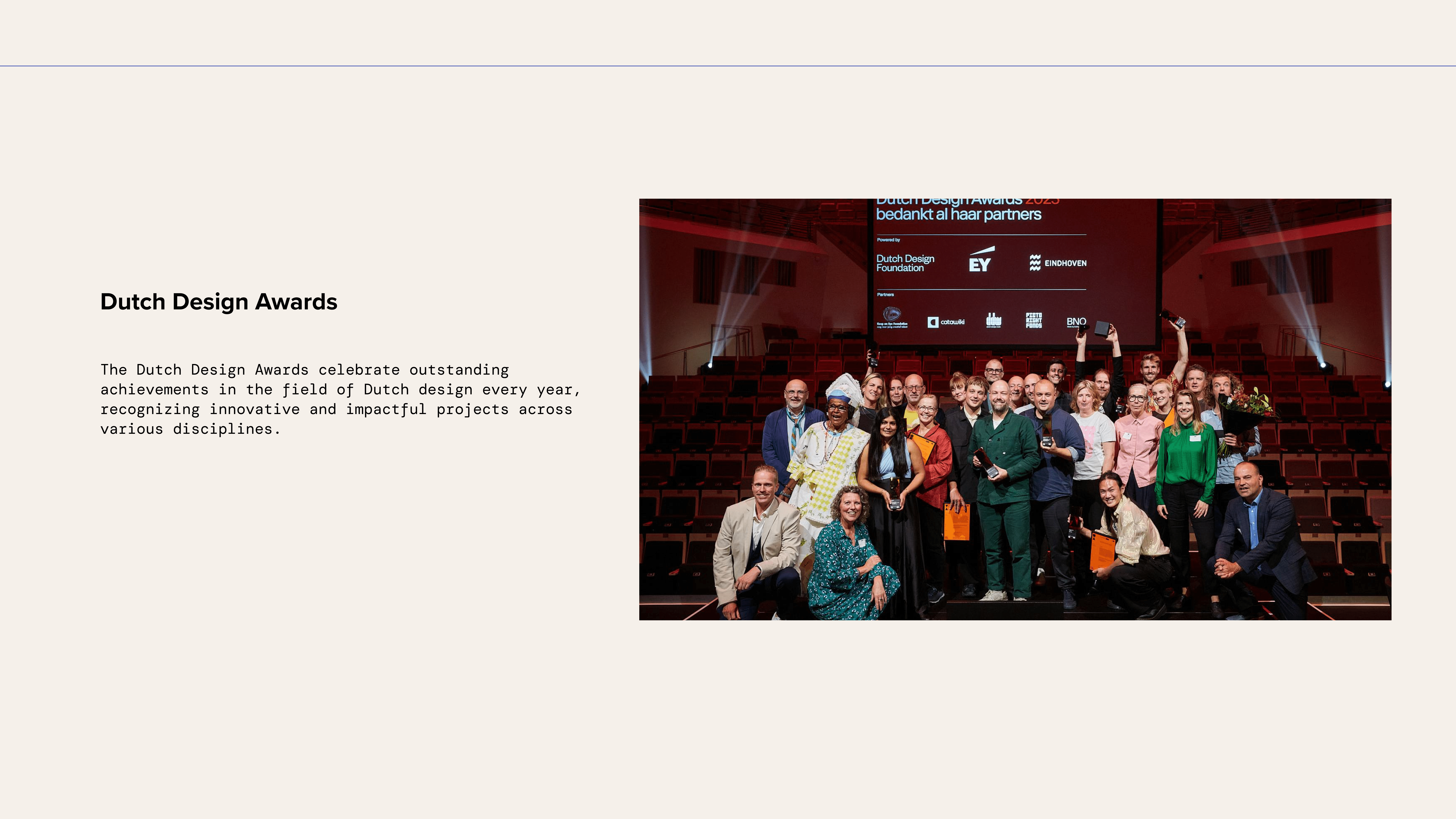
What is Dutch Design Awards
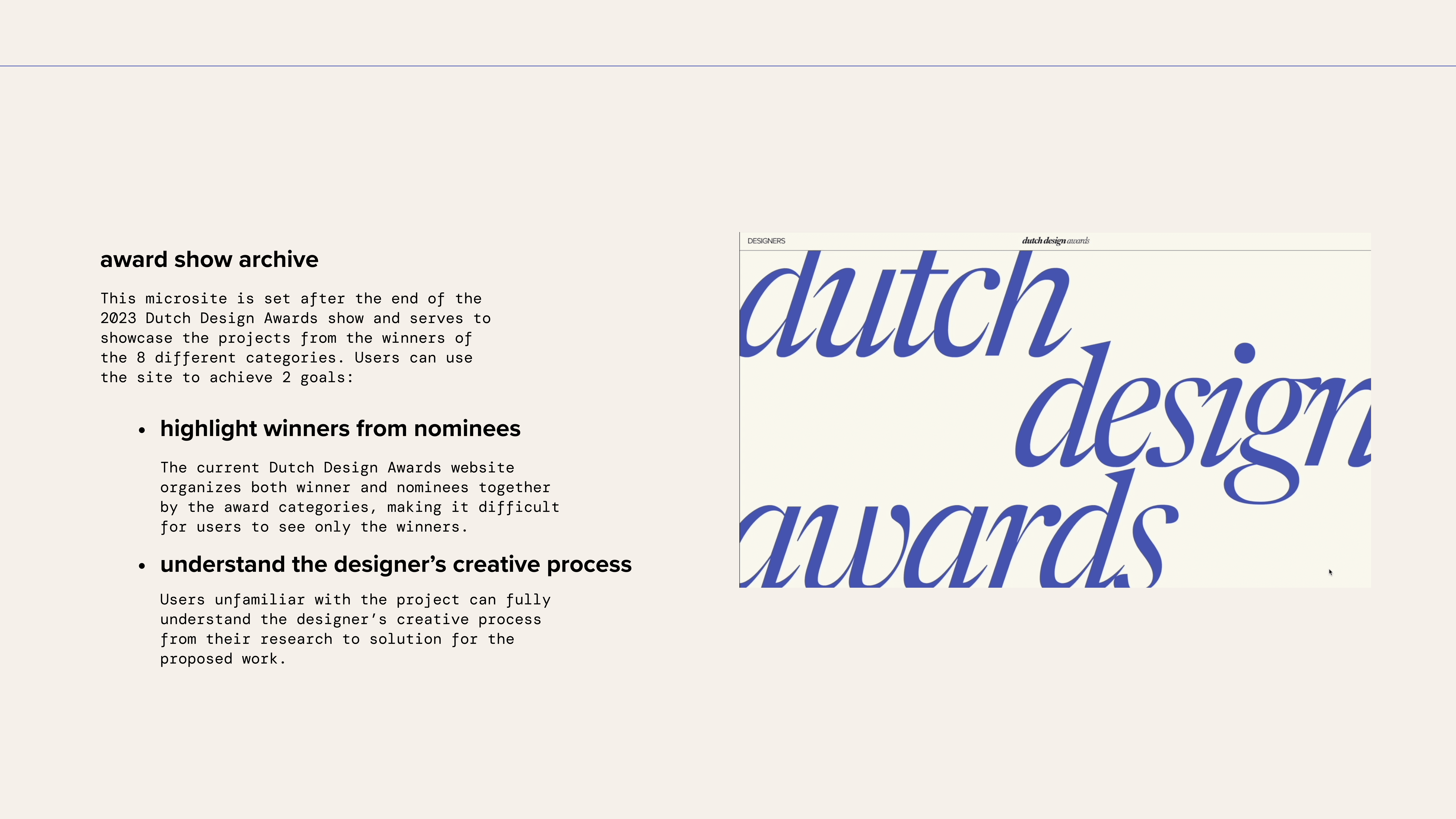
The Dutch Design Awards celebrate the best in global innovation. My challenge was to translate the physical nature of design into a digital environment. I created a 'living grid' layout that treats typography as a visual anchor, allowing users to explore nominees through a non-linear, discovery-based narrative.
Design system
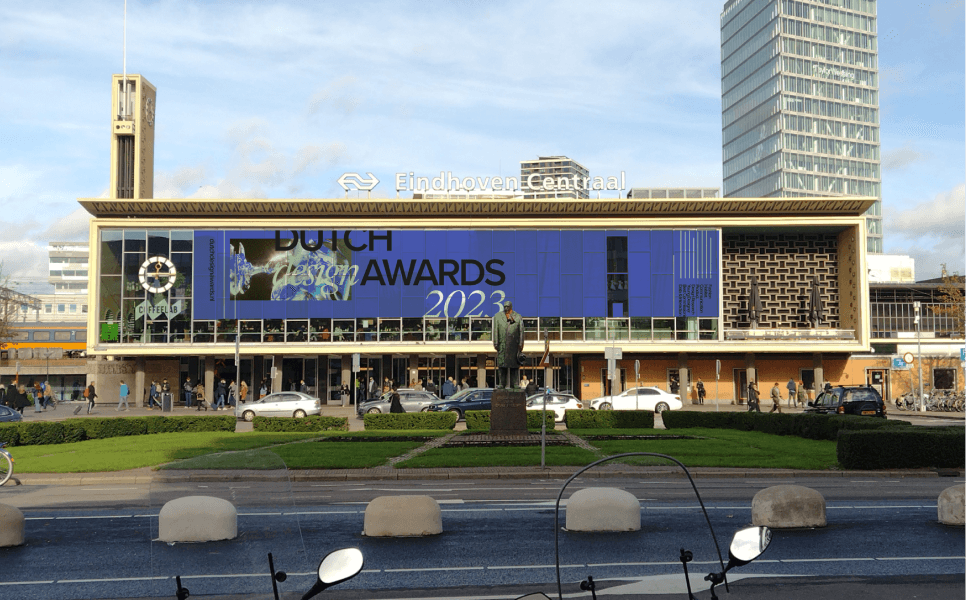
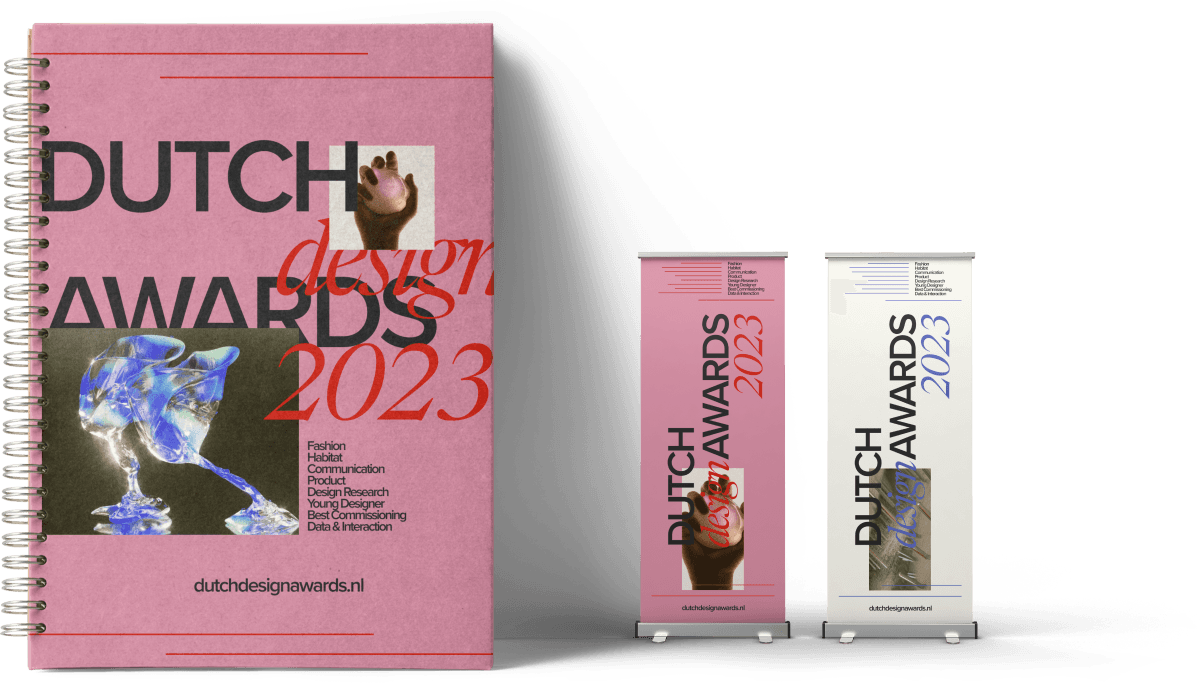
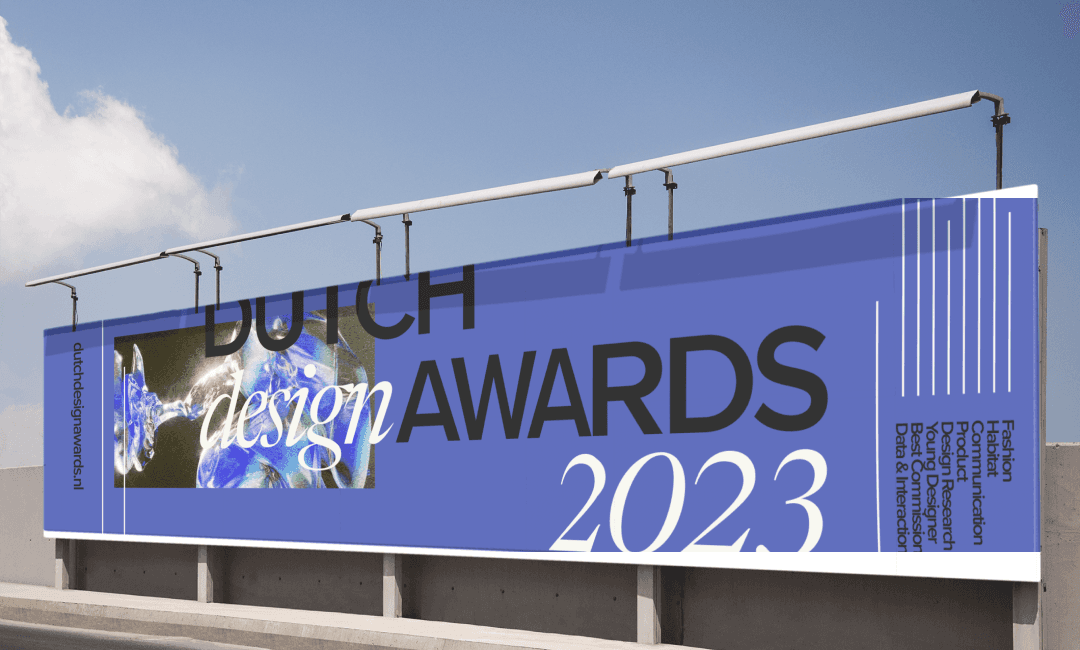
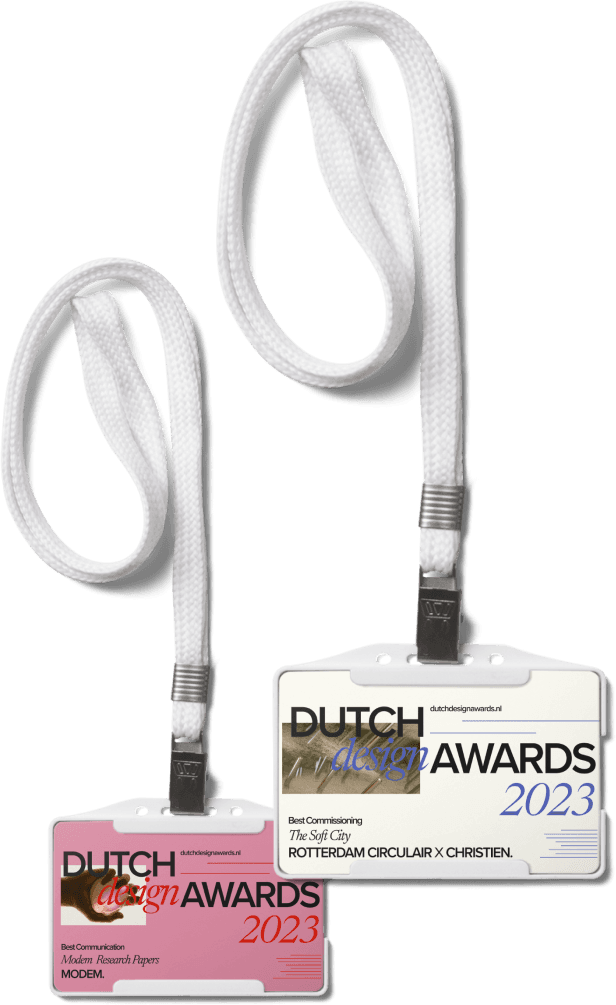
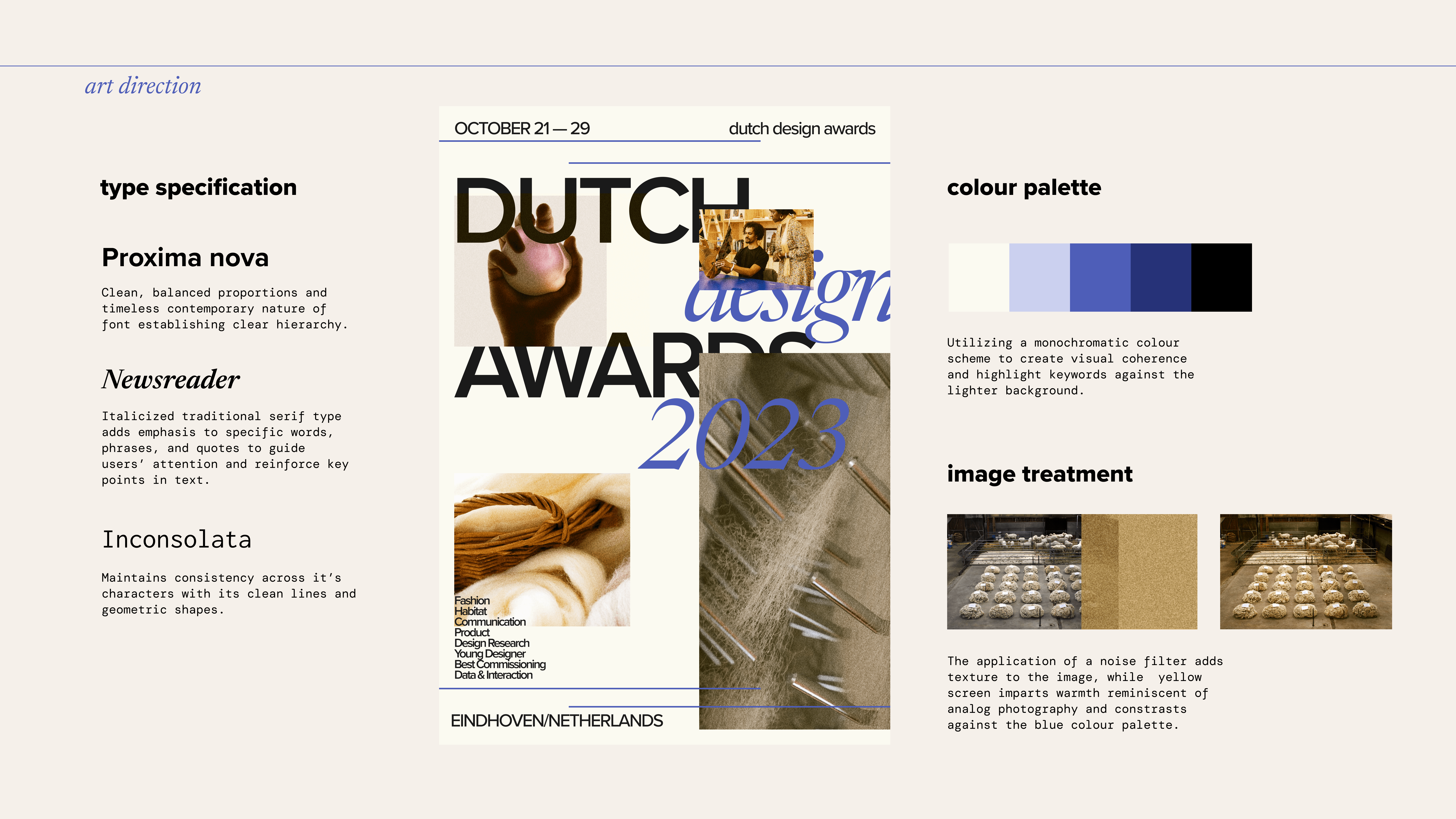
Distinct qualities and principles were taken from the poster to be transformed onto a digital platform with screen-based interactions. Shapes and lines are used to define the grid, closure is used on text to frame images, and tight kerning and leading are used to create tension within the clusters.
Landing page
Upon landing, visitors are able to view closeup videos of the designers working on their project.
As the visitor scrolls, a short explanation of the content strategy for our microsite appears leaving lists of the winner names and the title of their work.
For interaction design, when visitors hover over the winner name, they will be able to preview the process images of the winner.
Interview video of winner
Once visitors click one of the winners, the interview video will scale to full screen.
When we get to mission statement, user scrolls to reveal key words in their vision and images related to the words.
User continue to scroll to see a full bleed video of their process accompanied by quotes, images and text.
The solution shares the same user flow for consistency from the approach section.
At the gallery section, users can view the gallery images through an automatic horizontal scroll and image pauses when mouse is hovered.
At the very bottom, user can click the image to view next project.
interaction 1
Hover to preview winner works
When the user hovers over the designer's name, quick previews of images showcasing the designer in action will be displayed.
interaction 2
Text highlight and image stacking
While scrolling, important keywords are emphasized, accompanied by corresponding images.
interaction 3
Video scales to full screen
As the user scrolls, the video seamlessly transitions to full-screen mode.
interaction 4
Video timeline scrubbing
The user has the ability to navigate through the video, which is distinctly labeled with sections for easy access.